
How to set up a budget
7 min read
Subscription creep is when recurring payments for streaming services, apps and memberships quietly build up over time, making it harder to stay on budget. If you’ve ever wondered where your money is disappearing each month, reviewing your subscriptions is one of the quickest ways to reduce unnecessary spending and free up money for your financial goals.
Whether it’s Netflix, Disney+, Neon, Sky Sport Now, Spotify Premium or another subscription you’ve forgotten about, this guide explains how to find, review, cancel and manage recurring payments so they work for your budget, not against it.
 Prefer to listen? Our hosts unpack this blog in a podcast episode, sharing practical tips to manage subscriptions, cut unnecessary costs, and stay in control with MyBudget.
If it feels like money keeps disappearing on apps, streaming platforms and free trials, you’re not imagining it. Small recurring charges are easy to ignore on their own, but together they can quietly add up month after month, creating a noticeable dent in your bank balance and putting pressure on your budget.
This article will help you take back control by showing you how to find hidden subscriptions, decide what’s worth keeping, cancel what isn’t, and put simple systems in place so surprise charges stop catching you out. The goal is clarity, control and extra money in your budget.
Subscription creep is when unused or forgotten subscriptions build up across streaming services, apps and digital memberships without you actively choosing them. These small monthly fees are easy to miss, but together they can drain your budget faster than expected.
From streaming platforms and music subscriptions to fitness apps, cloud storage and free trials that roll into paid plans, costs add up quickly.
The good news is that managing subscriptions is simple. A quick audit and a few smart habits can stop subscription creep in its tracks and redirect that money to your emergency savings, holiday fund or cost-of-living buffer.
Subscription creep happens when forgotten or underused subscriptions quietly reduce the money available for your bills, savings and financial goals. Reviewing your recurring payments every few months can help you stay in control of your budget.
You can find all your active subscriptions by reviewing where recurring payments leave your accounts. Checking just one place is not enough, as subscriptions can be linked to different cards, apps and websites.
To get a complete picture, check the following:
Streaming services, gyms, fitness apps, cloud storage like iCloud, Google Drive, Dropbox or OneDrive, music streaming services, digital media subscriptions and forgotten free trials often hide here.
The best way to audit your subscriptions is to list every recurring payment, how much it costs, how often it renews and whether you still use it. This turns digital overwhelm into something you can actually control.
Follow this simple subscription audit process:
In our home, we follow a one-streaming-service-at-a-time rule. We rotate platforms like Netflix, Disney+ and Paramount+ depending on what we are actually watching. It keeps entertainment intentional and stops unnecessary monthly fees.
Pro tip: Friends can each subscribe to a different streaming service and rotate movie nights or series binges. It keeps costs down without missing out on content.
Cancel unwanted subscriptions directly through your account settings. Deleting an app does not cancel the subscription, and many services rely on users not realising this.
Check cancellations in:
Some subscription models make cancelling intentionally difficult. Push past guilt-driven pop-ups and discount offers designed to keep you subscribed. Downgrading can also help. Ad-supported Netflix plans, basic plans or free versions of services like Spotify or YouTube can significantly reduce costs.
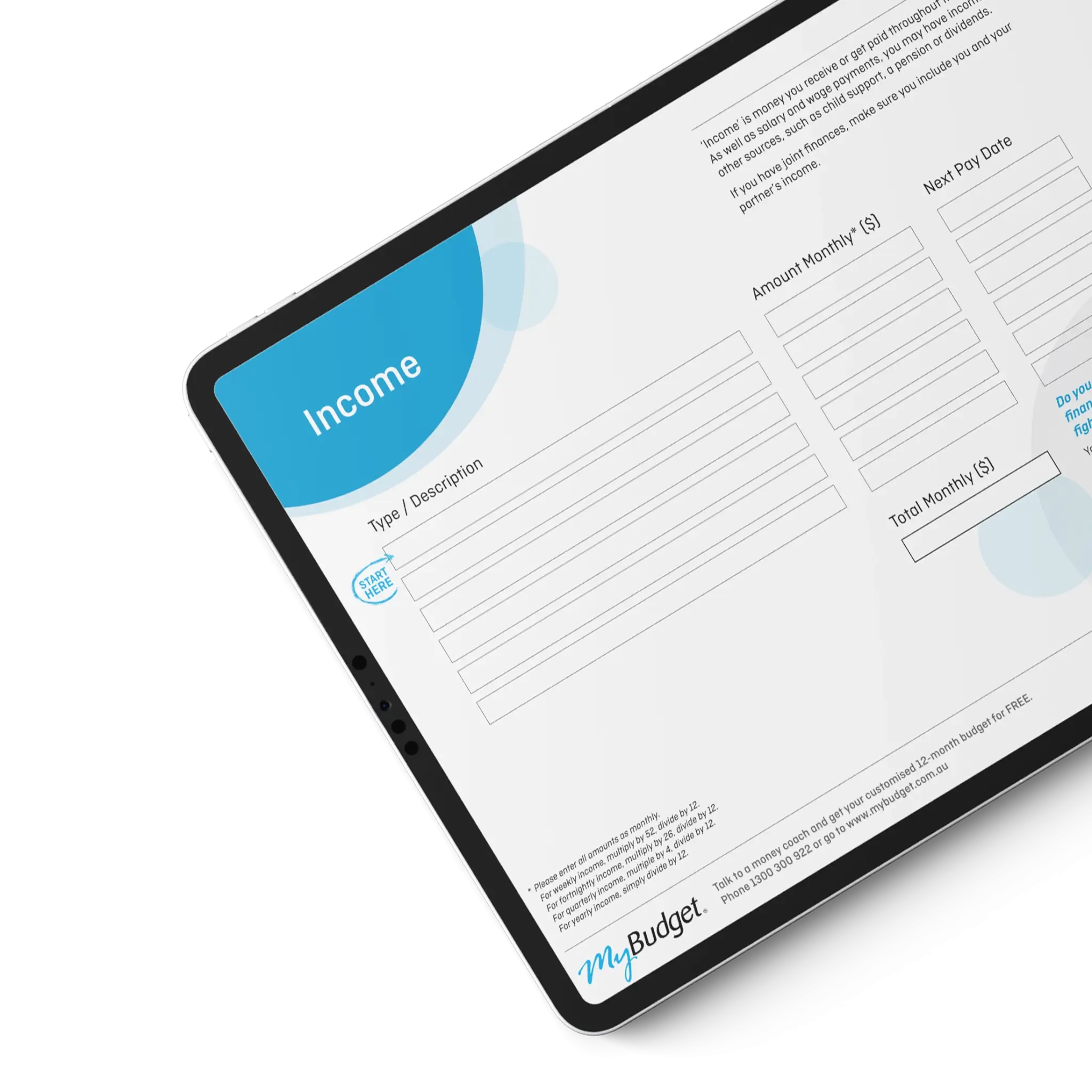
A personal budget helps you manage subscriptions by showing exactly where your money is going and which recurring charges are quietly reducing your cash flow. When subscriptions are tracked as part of your household budget, you can make informed decisions rather than reacting to surprise debits.
Try using the free Personal Budget Template. It helps you:
If you are paying for a meal-planning app, consider swapping it for our free Healthy Meals on a Budget Guide. It offers practical recipes and shopping tools without ongoing fees.
If managing subscriptions still feels overwhelming, MyBudget can step in. We automate bills, manage direct debits and help prevent forgotten subscriptions from slipping through the cracks.
We didn’t realise how many little expenses were creeping into our budget. Subscriptions we didn’t use anymore really added up. MyBudget helped us find those and cut back, which made a huge difference in our savings.
Erin, MyBudget Client
Calendar reminders are one of the simplest ways to avoid unwanted renewals. Setting alerts a few days before a subscription renews gives you time to decide whether to keep or cancel it.
To set this up:
This habit prevents accidental charges and keeps subscription management intentional.
Review your subscriptions every three to six months. Needs change, routines shift and entertainment habits evolve. Regular reviews stop unused services from becoming permanent budget leaks.
Make sure you look back slightly beyond a full 12 months of activity. Some software, insurance and productivity apps only renew once a year, making them easy to overlook.
Think of it as a seasonal reset for your digital life.
Managing subscriptions is important because unnecessary recurring charges reduce the money available for your savings, emergency fund and long-term goals. By cutting back on services you do not use, you free up money for the things that matter.
Every dollar you stop wasting is a dollar you can put towards:
Small changes create big results over time.
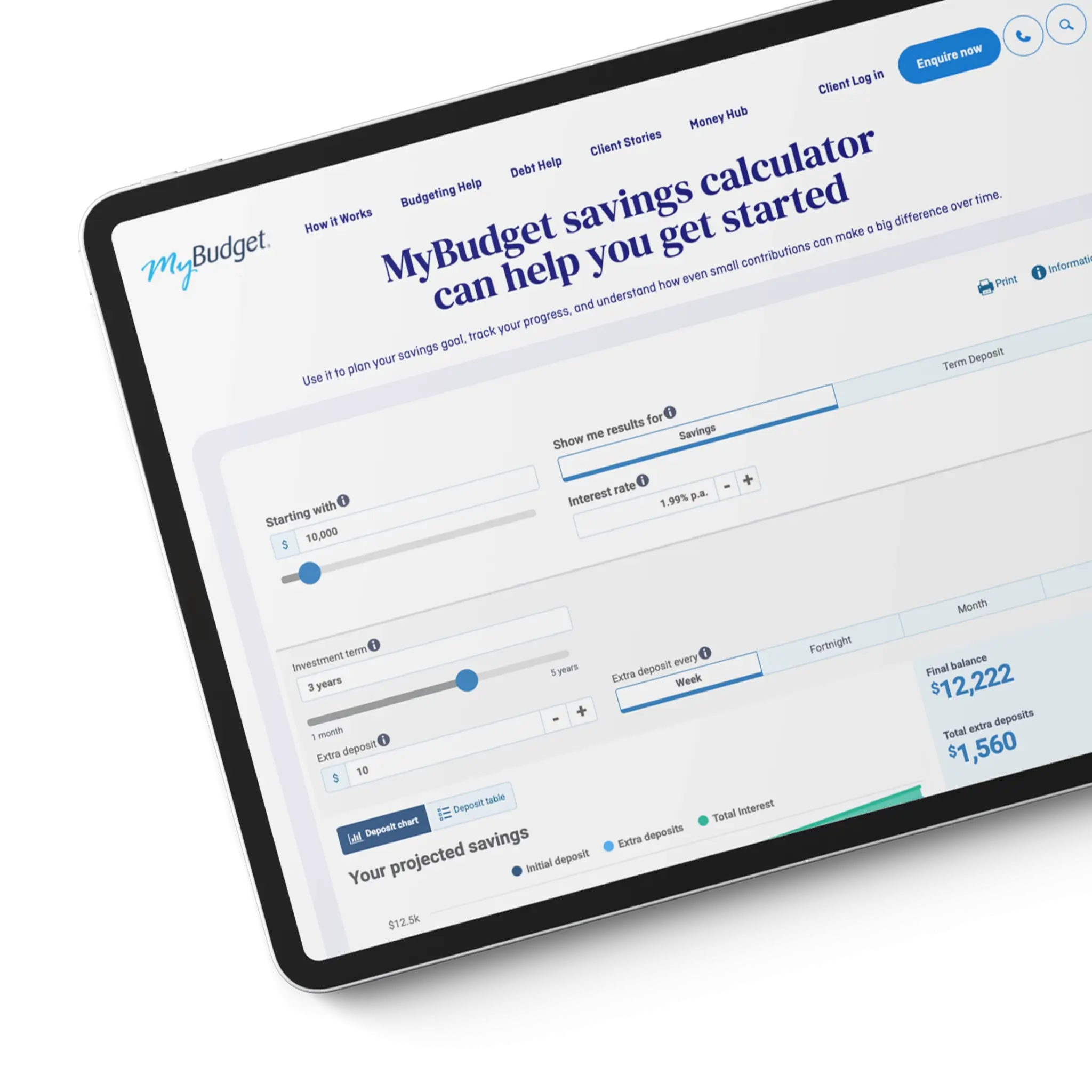
MyBudget can help you stop subscription creep by building a personalised budget, automating your bill payments, and tracking your expenses in one place. We help you stay ahead of recurring charges so your money supports your goals, not forgotten subscriptions.
Here is what MyBudget can do for you:
With over 25 years of experience and more than 130,000 people helped, we know how to take the stress out of money management.
Or call 09 849 6285 today.

Can’t find what you’re looking for?
See more FAQs…
No. Deleting an app does not cancel a subscription. You must cancel subscriptions through the App Store, Google Play, or the subscription service’s website to stop recurring charges.
Auditing your subscriptions every three to six months is ideal, or whenever your income, expenses or financial priorities change.
The easiest way to manage subscriptions is to track them in a personal budget and set calendar alerts before renewal dates, so you can cancel or downgrade subscriptions before charges occur.
Subscriptions affect cost of living by reducing disposable income and savings capacity. Small recurring charges add up over time, making it harder to build emergency savings or manage rising everyday expenses.
You can find subscriptions linked to your credit card or bank account by reviewing your statements for recurring charges, direct debits and automatic payments, then matching them to subscription services or apps you recognise.
Yes. MyBudget can help you manage subscriptions by identifying recurring charges, setting up a personalised budget, automating bill payments and helping redirect savings from subscriptions you cancel or downgrade. This helps reduce ongoing costs and supports your savings and long-term financial goals.
This article has been prepared for information purposes only, and does not constitute personal financial advice. The information has been prepared without taking into account your personal objectives, financial situation or needs. Before acting on any information in this article you should consider the appropriateness of the information having regard to your objectives, financial situation and needs.